
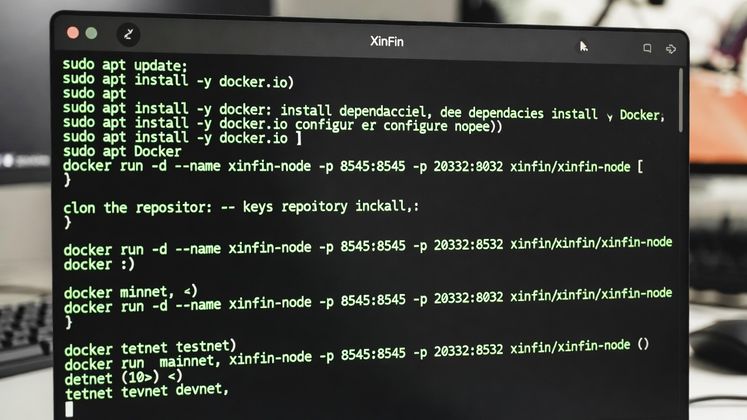

XDC nodes currently being installed on fully updated/upgraded Ubuntu 22.04 onward can incur issues with docker versions. This is an updated version of the existing Bootstrap installation script that is designed to correctly set up an XDC node on an Ubuntu system (22.04 onwards).
It:
- Installs dependencies (git, curl, jq)
- Cleans up any old Docker installs, adds Docker repo, installs current Docker packages
- Removes/holds the new docker-ce-rootless-extras patch that causes compatibility issues with Intel CPUs
- Restarts docker, adds user to docker group
- Clones the XinFin-Node repo
- Edits docker-compose files to drop obsolete version lines
- Overwrites/fixes helper scripts (xdc-attach.sh, peer.sh, upgrade.sh) for docker compose compatibility
- Builds/runs a Docker image to generate private key/wallet and saves to keys.json
- Updates .env with the key and node name
- Runs docker compose up to start the node
The script contents can be viewed here.
Note that this script is not an officially released update. It is a temporary community-based solution hosted on our own GitHub. Once an officially updated installation script is released, please use that instead.
The correct command to use our Bootstrap installation script from your Ubuntu VPS is:
sudo su -c "bash <(wget -qO- https://raw.githubusercontent.com/s4njk4n/XDCLibrary/main/install_xdc_node_v1.0.sh)" root





Discussion (0)